

Advent Calendar Deluxe
✦ 2026 ✦
24 magische Weihnachtsmomente
Entdecke jeden Tag eine neue Überraschung.
Nächstes Türchen
0 / 24
✦ Türchen 17 ✦
Türchen 17
Wir wünschen dir eine wundervolle Adventszeit!
✦ Türchen 4 ✦
Türchen 4
Wir wünschen dir eine wundervolle Adventszeit!
✦ Türchen 22 ✦
Türchen 22
Wir wünschen dir eine wundervolle Adventszeit!
✦ Türchen 9 ✦
Türchen 9
Wir wünschen dir eine wundervolle Adventszeit!
✦ Türchen 1 ✦
Türchen 1
Wir wünschen dir eine wundervolle Adventszeit!
✦ Türchen 14 ✦
Türchen 14
Wir wünschen dir eine wundervolle Adventszeit!
✦ Türchen 6 ✦
Türchen 6
Wir wünschen dir eine wundervolle Adventszeit!
✦ Türchen 24 ✦
Türchen 24
Wir wünschen dir eine wundervolle Adventszeit!
✦ Türchen 12 ✦
Türchen 12
Wir wünschen dir eine wundervolle Adventszeit!
✦ Türchen 3 ✦
Türchen 3
Wir wünschen dir eine wundervolle Adventszeit!
✦ Türchen 19 ✦
Türchen 19
Wir wünschen dir eine wundervolle Adventszeit!
✦ Türchen 8 ✦
Türchen 8
Wir wünschen dir eine wundervolle Adventszeit!
✦ Türchen 15 ✦
Türchen 15
Wir wünschen dir eine wundervolle Adventszeit!
✦ Türchen 2 ✦
Türchen 2
Wir wünschen dir eine wundervolle Adventszeit!
✦ Türchen 21 ✦
Türchen 21
Wir wünschen dir eine wundervolle Adventszeit!
✦ Türchen 11 ✦
Türchen 11
Wir wünschen dir eine wundervolle Adventszeit!
✦ Türchen 5 ✦
Türchen 5
Wir wünschen dir eine wundervolle Adventszeit!
✦ Türchen 23 ✦
Türchen 23
Wir wünschen dir eine wundervolle Adventszeit!
✦ Türchen 10 ✦
Türchen 10
Wir wünschen dir eine wundervolle Adventszeit!
✦ Türchen 16 ✦
Türchen 16
Wir wünschen dir eine wundervolle Adventszeit!
✦ Türchen 7 ✦
Türchen 7
Wir wünschen dir eine wundervolle Adventszeit!
✦ Türchen 20 ✦
Türchen 20
Wir wünschen dir eine wundervolle Adventszeit!
✦ Türchen 13 ✦
Türchen 13
Wir wünschen dir eine wundervolle Adventszeit!
✦ Türchen 18 ✦
Türchen 18
Wir wünschen dir eine wundervolle Adventszeit!
PC-DIDI Advent Calendar Diamond Christmas
Atmosphere Edition • Version 3.1.0 • Joomla 6
A luxurious interactive Christmas experience with cinematic opening animations, festive backgrounds, multimedia surprises and individually customizable Advent calendar doors.
Create 24 unforgettable Christmas moments.
PC-DIDI Advent Calendar Diamond Christmas is a premium Joomla site module designed for hotels, tourism websites, online shops, restaurants, companies and festive marketing campaigns.
Combine elegant Christmas designs with animated doors, golden light effects, snowfall, individual images, videos, promotional messages and coupon codes.
Each of the 24 doors can contain its own personalized Christmas surprise.
24
Individual Doors
12
Premium Themes
10
Calendar Layouts
15
Opening Effects
12
Background Presets
8
Popup Theme Options
6
Door Surfaces
3D
Cinematic Effects
✦ CHRISTMAS MAGIC ✦
24 Magical Christmas Moments
Discover a new surprise every day.
6 / 24 Doors opened
✦17✧
✦4✧
✦22✧
✦9✧
✦1✧
✦14✧
✦6✧
✦24✧
✦12✧
✦3✧
✦19✧
✦8✧
✦15✧
✦2✧
✦21✧
✦11✧
✦5✧
✦23✧
✦10✧
✦16✧
✦7✧
✦20✧
✦13✧
✦18✧
Illustrative calendar design preview
01. System Requirements
- Joomla 6 website.
- Hosting environment compatible with Joomla 6.
- Modern browser with JavaScript enabled.
- Working Joomla session management.
- Working Joomla com_ajax functionality for AJAX mode.
- HTTPS recommended for clipboard and media functionality.
- No additional JavaScript framework required.
02. Installation
- Download the Diamond Christmas installation package.
- Log in to your Joomla administrator panel.
- Navigate to System → Install → Extensions.
- Choose Upload Package File.
-
Upload:
mod_pcdidi_adventdeluxe_v3.1.0_DIAMOND_Joomla6.zip - Complete the installation.
- Navigate to Content → Site Modules.
- Open or create the PC-DIDI Advent Calendar module.
- Choose your module position or Page Builder integration.
- Set Show Title to Hide if desired.
- Publish the module and configure menu assignments.
- Configure your Christmas designs and door contents.
- Save and test the calendar.
Updating an existing installation
Version 3.1.0 uses the existing mod_pcdidi_adventdeluxe module identifier. Install the ZIP package over the previous Deluxe or Diamond version.
A separate module instance is not required. Back up your website, review your existing settings and clear relevant caches after updating.
03. General Settings
| Setting | Description |
|---|---|
| Door content display | Christmas popup or inline AJAX content presentation. |
| Calendar year | Enter a specific year. Use 0 for the current year. |
| Preview / Test mode | Unlock all 24 doors for testing. |
| Heading | Customize the main calendar headline. |
| Introduction | Enter an individual introductory message. |
| Shuffle doors | Choose mixed or chronological door arrangement. |
| Locked door message | Customize the message for doors that are not yet available. |
| Close text | Customize the close control label. |
| Door text | Customize the door label. |
| Video autoplay | Enable automatic playback attempts for direct video files. |
| Example media | Display included example images or videos when custom media is missing. |
Important: Preview mode
Before December 1, all doors are normally locked. Enable preview mode to test all images, videos, opening effects and sounds.
Disable preview mode before publishing your official Christmas campaign.
04. Twelve Premium Christmas Themes
Open the Design and Layout settings to select your preferred Christmas color theme.
| Design | Atmosphere |
|---|---|
| Royal Christmas | Luxury burgundy and gold. |
| Winter Forest | Deep festive forest green. |
| Ice Blue | Elegant blue winter tones. |
| Champagne Gold | Warm champagne and golden accents. |
| Midnight Gold | Dark midnight elegance. |
| Candy Cane | Festive Christmas colors. |
| Nordic Frost | Cool Scandinavian winter atmosphere. |
| Velvet Emerald | Luxury emerald green. |
| Ruby Fireplace | Warm ruby and fireplace tones. |
| Santa Night | Classic Christmas night styling. |
| Snow Pearl | Elegant pearl-inspired winter colors. |
| Northern Lights | Aurora-inspired Christmas colors. |
05. Ten Christmas Calendar Layouts
Classic Grid
Traditional evenly arranged Christmas doors.
Festive Mosaic
Decorative calendar tiles with varying proportions.
Compact Luxury
Compact presentation for smaller content areas.
Christmas Ornaments
Christmas ornament-inspired door shapes.
Christmas Village
Festive house and window-inspired styling.
Christmas Tree
Christmas tree-inspired calendar arrangement.
Gift Collection
Decorative gift-inspired calendar doors.
Royal Palace
Elegant palace-inspired door presentation.
Frozen Wonderland
Winter-inspired crystalline styling.
Santa Workshop
Christmas workshop-inspired door styling.
Calendar layouts use CSS-based visual styling rather than external 3D rendering engines.
06. Six Luxury Door Surfaces
| Door Surface | Appearance |
|---|---|
| Royal Palace | Elegant golden borders. |
| Alpine Wood | Rustic wood-inspired surface. |
| Luxury Velvet | Rich velvet-inspired styling. |
| Gift Ribbon | Christmas gift decoration. |
| Frosted Crystal | Cool crystalline effects. |
| Golden Filigree | Decorative golden ornamentation. |
07. Background & Atmosphere
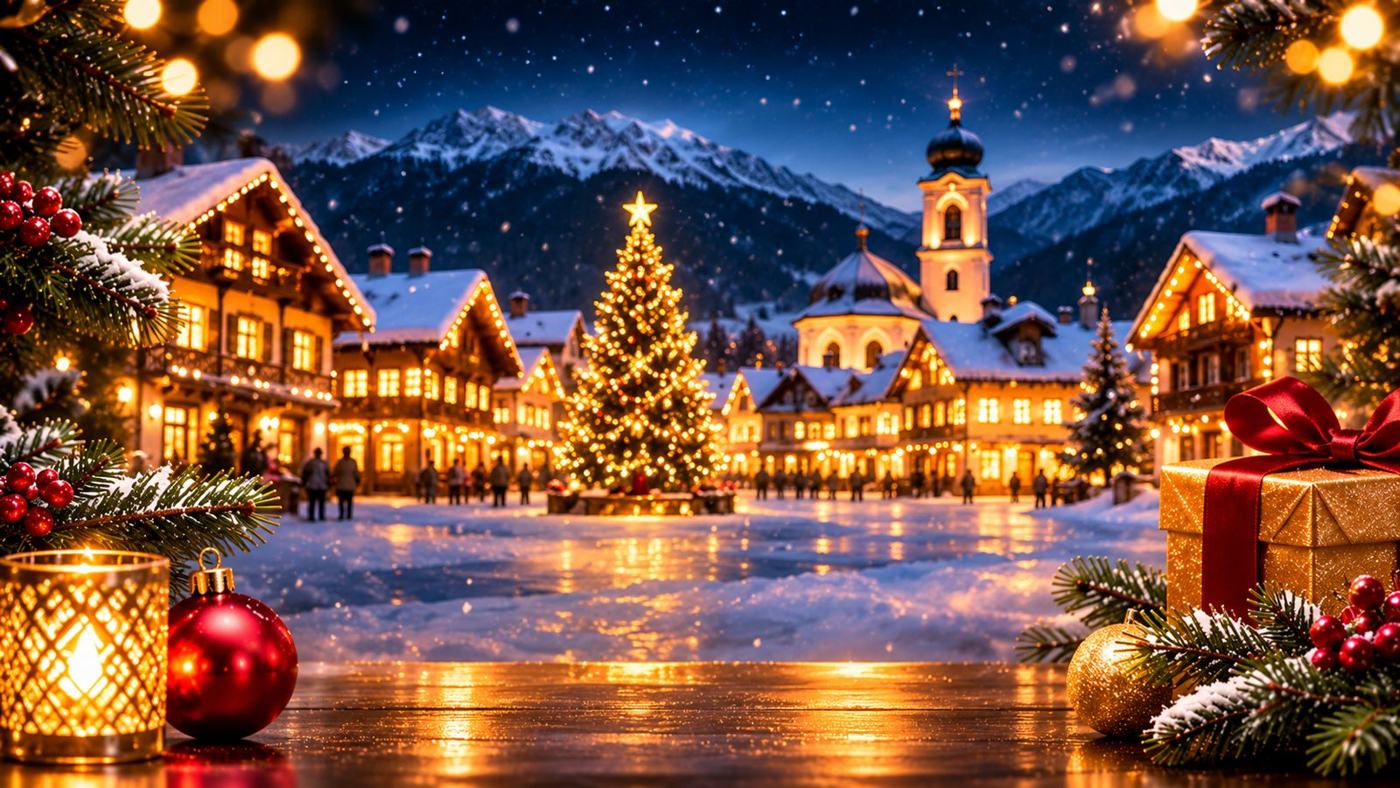
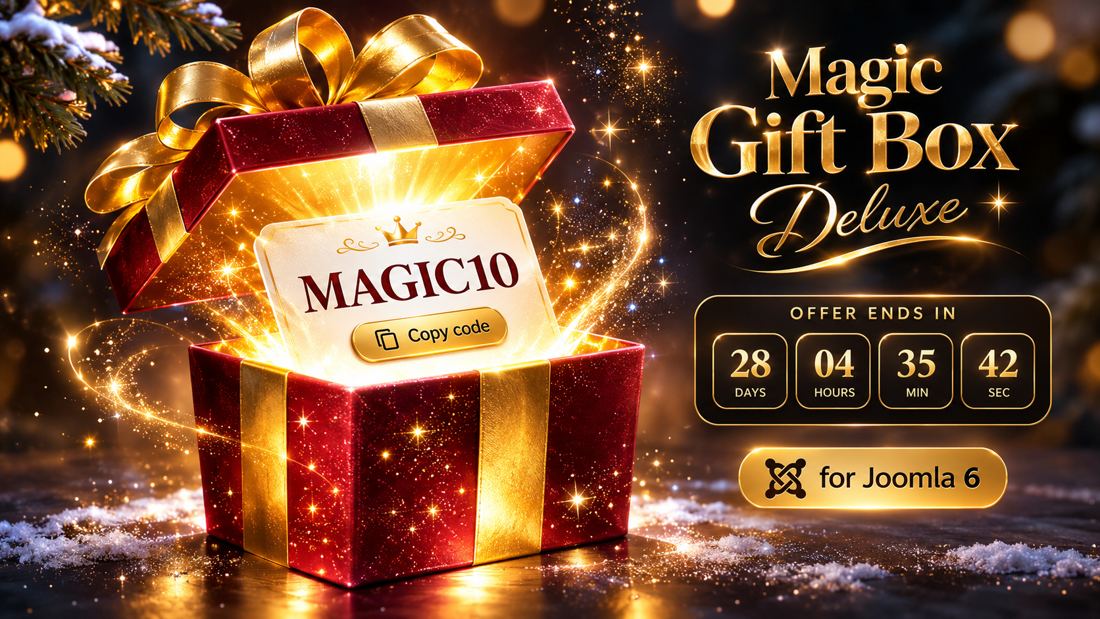
Version 3.1.0 introduces twelve integrated Christmas backgrounds, selectable directly in the module settings. A thumbnail gallery assists with the selection.





Background configuration
| Setting | Description |
|---|---|
| Background preset | Select one of the twelve included Christmas backgrounds. |
| Random | Select a random background during calendar rendering. |
| Own background URL | Enter an individual image path or compatible image URL. |
| Background media | Select your own image using the Joomla Media Manager. |
| Mobile background | Choose a separate image for smartphone presentation. |
| Overlay color | Customize the background tint. Default: #100910. |
| Background darkness | Adjustable from 0 to 95%. Default: 65%. |
| Background blur | Adjustable from 0 to 15 pixels. Default: 0 pixels. |
| Cinematic zoom | Enable subtle background movement. |
| Animated bokeh | Enable atmospheric light reflections. |
| Glowing mist | Enable a decorative glowing mist effect. |
| Candlelight | Enable a warm flickering light effect. |
| Golden light rays | Enable atmospheric light beams. |
How to use your own background image
- Open the Background & Atmosphere tab.
- Upload your image through Joomla Media Manager.
- Select the uploaded background image.
-
Alternatively, enter an image path such as:
images/advent/background.jpg - Adjust background darkness and overlay color.
- Optionally select a separate mobile background.
- Save and test the calendar on different devices.
Background image priority
Previously configured custom backgrounds can override the selected built-in preset. Clear existing custom background settings if you want to use an integrated design.
For fast loading, use optimized JPG or WebP images instead of unnecessarily large photographs.
08. Christmas Special Effects
Animated Snowfall
Decorative falling snowflakes.
Festive Lights
Animated Christmas light decoration.
Golden Sparkles
Decorative golden glowing particles.
Golden Light Rays
Atmospheric cinematic lighting.
Animated Bokeh
Soft decorative background lights.
Glowing Mist
Soft luminous atmospheric decoration.
Candlelight
Warm flickering Christmas illumination.
Cinematic Zoom
Slow decorative background animation.
3D Parallax
Interactive background movement.
Magnetic Hover
Interactive movement of calendar doors.
Reactive Lights
Interactive decorative illumination.
Performance Mode
Reduced visual effects when required.
Enable or disable individual effects using the Christmas Lighting, Background & Atmosphere and Diamond Effects settings.
09. Fifteen Cinematic Opening Animations
| Animation | Visual Effect |
|---|---|
| Royal 3D Hinge | Classic three-dimensional hinged door. |
| Palace Double Doors | Royal double-door opening effect. |
| Golden Lift | Elegant upward door movement. |
| Magic Gift Reveal | Festive gift-inspired reveal. |
| Christmas Portal | Magical rotating portal effect. |
| Crystal Flip | Three-dimensional flipping effect. |
| Golden Light Rays | Golden luminous reveal. |
| Gift Unboxing | Animated gift-inspired opening. |
| Santa Reveal | Animated Santa symbol reveal. |
| Angel Reveal | Animated angel symbol reveal. |
| Velvet Slide | Elegant sliding animation. |
| Crystal Iris | Circular reveal animation. |
| Christmas Swing | Decorative swinging door effect. |
| Stardust Dissolve | Magical dissolve-inspired animation. |
| Instant | Immediate presentation without opening delay. |
Animation configuration
| Opening duration | 150–1500 milliseconds. |
| Default duration | 650 milliseconds. |
| Opening particles | Enable or disable decorative particles. |
| Individual opening effect | Configure a different animation for each door. |
Recommended cinematic configuration
Select Royal Christmas, Royal Palace and Royal 3D Hinge with an opening duration of approximately 900 to 1100 milliseconds.
Enable golden opening particles for a more luxurious Christmas experience.
Santa and angel effects use animated symbols, not photorealistic 3D character models.
10. Opened Doors and Progress Tracking
Previously opened doors remain visible within the calendar and can be reopened to view their Christmas content again.
- Opened doors receive a decorative checkmark.
- The door number remains visible.
- Opened doors are visually distinguished.
- Visitors can reopen available doors.
- Progress is stored locally in the browser.
- An optional progress bar displays opened doors.
Browser-based progress tracking
Opened door information is stored locally for the visitor. It is not a permanent server-side customer record.
Different browsers and devices can show different progress. Clearing browser storage can reset the displayed progress.
11. Configure Each of the 24 Doors
Open Door 01 through Door 24 in the Joomla module settings to configure the individual Christmas surprises.
| Door Setting | Purpose |
|---|---|
| Title | Individual Christmas surprise headline. |
| Text | Custom message or promotional description. |
| Image URL | Image displayed inside the door content. |
| Video URL | Direct video, YouTube or Vimeo URL. |
| Door preview image | Individual decorative door image. |
| Content background | Individual background for the door content. |
| Opening effect | Individual opening animation. |
| Popup theme | Individual popup appearance. |
| Coupon code | Promotional code with copy functionality. |
| Button text | Individual call-to-action label. |
| Button link | Destination for the promotional button. |
| Individual audio | Custom MP3 sound for the selected door. |
Example: Configure Door 01
| Title | Your Magical Christmas Surprise |
| Text | Enjoy an exclusive Christmas offer! |
| Image | images/advent/day-01.jpg |
| Video | images/advent/day-01.mp4 |
| Coupon code | CHRISTMAS10 |
| Button text | Discover your offer |
| Button link | /special-offers |
| Custom audio | images/audio/day-01.mp3 |
Replace the example paths with your own existing media files. Example paths do not automatically create or upload the corresponding files.
12. Christmas Popup Designer
Choose between a dedicated Christmas popup and inline content presentation.
✦ CHRISTMAS SURPRISE ✦
Your Magical Christmas Gift!
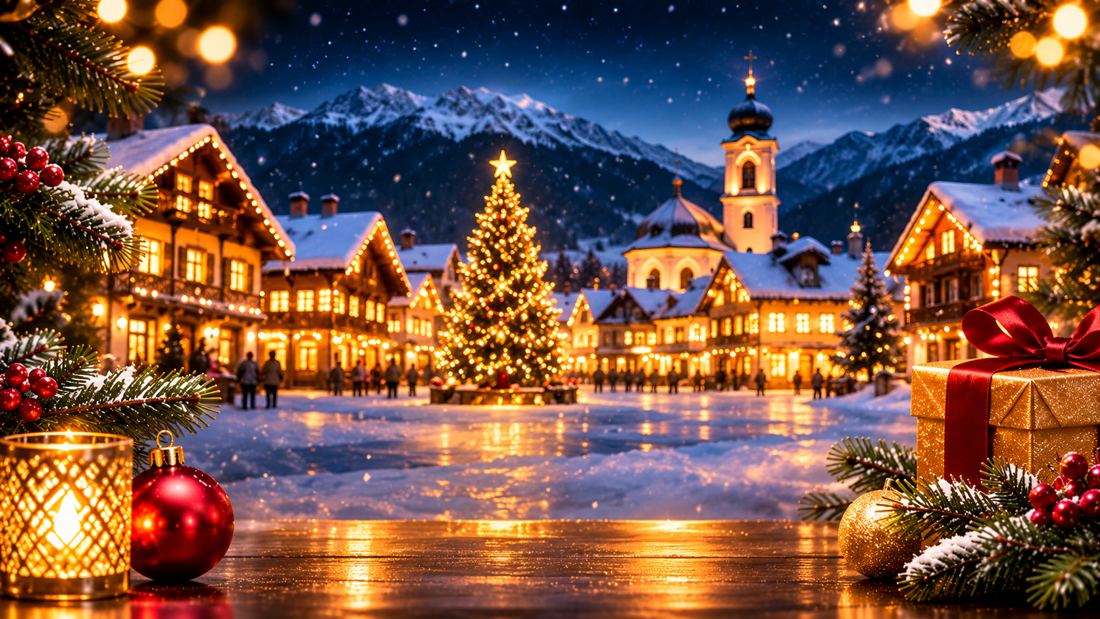
Discover an exclusive festive surprise behind your Christmas door.
Illustrative popup design preview
Eight popup theme options
| Match calendar | Inherit the selected calendar theme. |
| Royal Gold | Classic royal Christmas appearance. |
| Emerald | Elegant festive green. |
| Ice Crystal | Cool winter styling. |
| Champagne | Warm golden appearance. |
| Midnight | Dark luxurious atmosphere. |
| Fireplace | Warm ruby-inspired styling. |
| Snow Pearl | Elegant winter pearl styling. |
Popup and AJAX presentation
| Mode | Behavior |
|---|---|
| Christmas popup | Display the selected Christmas surprise in a dedicated modal dialog. Prepared content supports fast opening. |
| Inline AJAX | Load and display door content directly below the calendar without a complete page reload. |
13. Images, Videos, YouTube and Vimeo
Images
Christmas photos, promotional graphics and vouchers.
Direct Video
Self-hosted MP4 and compatible video files.
YouTube
Individual Christmas videos inside door content.
Vimeo
Additional embedded video support.
| Media Type | URL Example |
|---|---|
| Local image | images/advent/day-01.jpg |
| External image | https://example.com/christmas.jpg |
| MP4 video | images/advent/day-01.mp4 |
| WebM video | images/advent/day-01.webm |
| YouTube | https://www.youtube.com/watch?v=VIDEO_ID |
| YouTube short URL | https://youtu.be/VIDEO_ID |
| YouTube Shorts | https://www.youtube.com/shorts/VIDEO_ID |
| Vimeo | https://vimeo.com/VIDEO_ID |
How to add a YouTube video
- Open your desired YouTube video.
- Copy its public video URL.
- Open the desired Advent calendar door settings.
- Paste the URL into the Video URL field.
- Save the module.
- Open the door and test the video presentation.
Automatic playback with sound
YouTube and compatible video playback can be initiated automatically when a calendar door is opened.
Browser autoplay policies, third-party player restrictions and device settings can prevent automatic playback with sound.
Visitors may need to activate playback using the video player's controls. Automatic sound playback cannot be guaranteed on every browser or device.
External media and privacy
Embedded YouTube and Vimeo videos may connect to external services when loaded. Website operators must ensure that their privacy and consent configuration is appropriate for the embedded media.
Use self-hosted media if you prefer to avoid third-party video connections.
14. Christmas Sound and Music
The module includes synthesized festive sound effects and supports your own MP3 files for personalized Christmas audio experiences.
| Sound Setting | Description |
|---|---|
| Wooden Door | Included door-opening sound. |
| Gift Paper | Included gift-inspired opening sound. |
| Christmas Bells | Included festive background audio. |
| Custom door MP3 | Use your own opening sound. |
| Door sound volume | Adjustable from 0 to 100%. |
| Background music | Off, included bells or custom MP3. |
| Music autoplay | Enable automatic playback attempts. |
| Music volume | Adjustable from 0 to 100%. |
| Loop music | Repeat the selected audio track. |
| Individual door audio | Optional custom MP3 for each door. |
How to add your own Christmas music
- Prepare an MP3 file you are authorized to use.
- Upload the file to your Joomla website.
- Open the Sound & Music tab.
- Select Custom MP3.
- Enter the path to your uploaded sound file.
- Configure autoplay, volume and loop settings.
- Save and test your calendar.
Example audio paths
Christmas music:
images/audio/christmas.mp3
Door opening sound:
images/audio/door-opening.mp3
Fireplace atmosphere:
images/audio/fireplace.mp3
Individual door sound:
images/audio/day-24.mp3
These are example paths for your own uploaded MP3 files. Additional fireplace or winter recordings are not automatically included.
15. Responsive Dimensions
Optimize the calendar and popup presentation independently for desktop, tablet and smartphone.
| Setting | Default | Range |
|---|---|---|
| Calendar width | 1200 px | 320–2000 px |
| Desktop columns | 6 | 3–8 |
| Tablet columns | 4 | 2–6 |
| Mobile columns | 3 | 2–4 |
| Desktop door height | 150 px | 70–260 px |
| Mobile door height | 100 px | 55–180 px |
| Desktop popup width | 760 px | 280–1200 px |
| Tablet popup width | 650 px | 280–1200 px |
| Mobile popup width | 420 px | 240–900 px |
| Maximum popup height | 90% | 40–98% |
| Maximum media height | 52% | 20–80% |
| Background dimming | 85% | 0–100% |
Final displayed dimensions depend on the available viewport, selected layout, media dimensions and template configuration.
16. Diamond Christmas Features
| Feature | Description |
|---|---|
| Christmas countdown | Display the remaining time until the next door. |
| Progress bar | Display the visitor's opened door progress. |
| Today's door glow | Special decorative highlight for the current door. |
| Christmas Eve | Special visual emphasis for Door 24. |
| Parallax | Interactive background movement. |
| Magnetic hover | Interactive door movement. |
| Reactive lights | Interactive decorative lighting. |
| Performance mode | Reduce demanding visual effects. |
| Custom CSS | Advanced individual visual customization. |
17. Christmas Coupon Codes and Offers
Turn your Advent calendar into a seasonal marketing campaign by offering individual promotional codes behind selected doors.
Example Christmas campaign
Door 01: 10% Christmas discount.
Door 06: Exclusive Saint Nicholas surprise.
Door 12: Free shipping promotion.
Door 24: Special Christmas Eve voucher.
Example coupon:
CHRISTMAS24
Coupon codes must be configured separately in the applicable booking or shopping system. The calendar does not automatically create or validate discounts.
18. Automatic Door Unlocking
The Advent calendar is designed to unlock its doors according to the selected calendar year and December dates.
| Date | Available Doors |
|---|---|
| Before December 1 | All doors locked. |
| December 1 | Door 01. |
| December 6 | Doors 01–06. |
| December 12 | Doors 01–12. |
| December 24 | All 24 doors. |
| Preview mode | All doors available for testing. |
Calendar time zone
Check the Joomla website time zone and selected calendar year before launching your Christmas campaign.
The calendar is intended for promotional content, not confidential file distribution or high-security voucher management.
19. SP Page Builder Integration
- Create the Advent Calendar site module.
- Configure the desired designs and effects.
- Set the module status to Published.
- Open the desired SP Page Builder page.
- Add a Joomla Module addon.
- Select the configured Advent Calendar module.
- Hide the module title if necessary.
- Save the page and clear relevant caches.
- Test the calendar in desktop and mobile views.
The module is designed for native Joomla module integration, including use with Joomla templates and SP Page Builder.
20. Recommended Luxury Configuration
| Setting | Recommended Value |
|---|---|
| Design | Royal Christmas |
| Calendar layout | Classic Grid |
| Door surface | Royal Palace |
| Opening animation | Royal 3D Hinge |
| Animation duration | 950 ms |
| Opening particles | Yes |
| Background preset | Snowy Alpine Village |
| Background darkness | 45% |
| Background blur | 0 px |
| Animated bokeh | Yes |
| Golden light rays | Yes |
| Festive lights | Yes |
| Snowfall | Yes |
| Glow strength | 75% |
| Progress bar | Yes |
| Countdown | Yes |
| Popup theme | Match calendar |
| Door sound | Wooden Door |
| Door sound volume | 65% |
| Music volume | 30% |
21. Performance Optimization
- Use optimized JPG or WebP images.
- Avoid unnecessarily large background images.
- Use appropriately compressed MP4 videos.
- Enable performance mode on demanding websites.
- Disable optional effects if animation becomes slow.
- Test mobile performance independently.
- Reduce simultaneous background animations when needed.
- Clear Joomla and template optimization caches after updates.
AJAX and full-page caching
Joomla AJAX requests use session-related validation. Full-page caching can interfere with current session tokens or date-dependent calendar information.
If problems occur, exclude the Advent calendar page from full-page caching and test again.
22. Troubleshooting and FAQ
Why are all calendar doors locked?
Check the selected calendar year and current date. Enable preview mode to test the calendar before December 1.
Why does the selected background not appear?
Check whether a custom background URL or Media Manager image is still configured. Custom background settings may override the integrated preset.
Where can I see the background examples?
Open Background & Atmosphere. The settings include a thumbnail gallery and a background preset selector.
Why is the background image too dark?
Reduce Background darkness or choose a lighter overlay color.
Can I use a different mobile background?
Yes. Use the Mobile background image setting in Background & Atmosphere.
Where are the fifteen opening animations?
Open the Opening Animations settings and select your preferred effect. You can also configure individual door effects.
Why does the opening animation appear too fast?
Increase Animation duration. Values around 900 to 1100 milliseconds provide a slower cinematic presentation.
Can opened doors be reopened?
Yes. Opened doors remain visible and can be selected again while available.
Why does the progress bar already show 24/24?
Your browser may have stored previous test openings. Use a private browser window or clear the relevant local browser storage to test a new visitor's experience.
Can I disable the progress bar?
Yes. Disable Progress in Diamond Effects.
Can I disable the Christmas countdown?
Yes. Disable Countdown in Diamond Effects.
Why is the popup not opening?
Verify that the door is unlocked, JavaScript is enabled and Christmas popup is selected under Door content display.
Clear relevant caches and check for JavaScript errors or conflicting extensions.
Why does AJAX content fail to load?
Verify that the module is published, Joomla sessions are working and com_ajax requests are not blocked.
Reload the page to refresh session tokens. Disable full-page caching temporarily if the problem persists.
Why does the popup not fit on mobile?
Adjust Mobile popup width, maximum popup height and media height in the Responsive Dimensions settings.
Why is my YouTube video not playing?
Check that the video URL is correct and embedding is allowed by its owner. Browser and consent settings can also prevent third-party video playback.
Why does YouTube not play sound automatically?
Browser autoplay restrictions may prevent automatic playback with sound. Use the YouTube player controls if required.
Can I use my own MP3 sounds?
Yes. Upload your MP3 files and enter their paths in the corresponding sound fields.
Can I make the calendar completely silent?
Disable background music and the default door sound. Remove individual door audio and disable automatic video playback if desired.
How can I remove the example media?
Disable Example media in General Settings. Configure your own images, videos and messages.
Can I customize the design with CSS?
Yes. Enter your own CSS in the Custom CSS setting under Diamond Effects. Use a backup of your custom styling before installing updates.
Why are the animations slow?
Enable performance mode, reduce the number of active atmosphere effects and optimize your background images and videos.
Does the module validate coupon codes?
No. The module displays configured coupon codes. Your shopping or booking system must handle validation and redemption restrictions.
Can I use the calendar again next Christmas?
Yes. Set Calendar year to 0 for the current year or enter the desired new year. Review all media and promotional offers.
23. Technical Information
| Product | PC-DIDI Advent Calendar Diamond Christmas |
| Edition | Atmosphere Edition |
| Version | 3.1.0 |
| Extension type | Joomla Site Module |
| Module identifier | mod_pcdidi_adventdeluxe |
| Compatibility target | Joomla 6 |
| Calendar doors | 24 individually configurable doors |
| Premium themes | 12 |
| Calendar layouts | 10 |
| Door surfaces | 6 |
| Opening animations | 15 |
| Background presets | 12 plus random selection |
| Popup theme options | 8 including inherited calendar styling |
| Media support | Images, MP4, WebM, YouTube, Vimeo and MP3 |
| Technologies | PHP, CSS, JavaScript and Joomla AJAX |
| Languages | English and German language files |
| License | GNU General Public License version 2 or later |
| Developer | PC-DIDI, Austria |